KG-Tracker
Chastity belt tracking for couples. Lock periods, checks, and statistics — clearly at a glance.
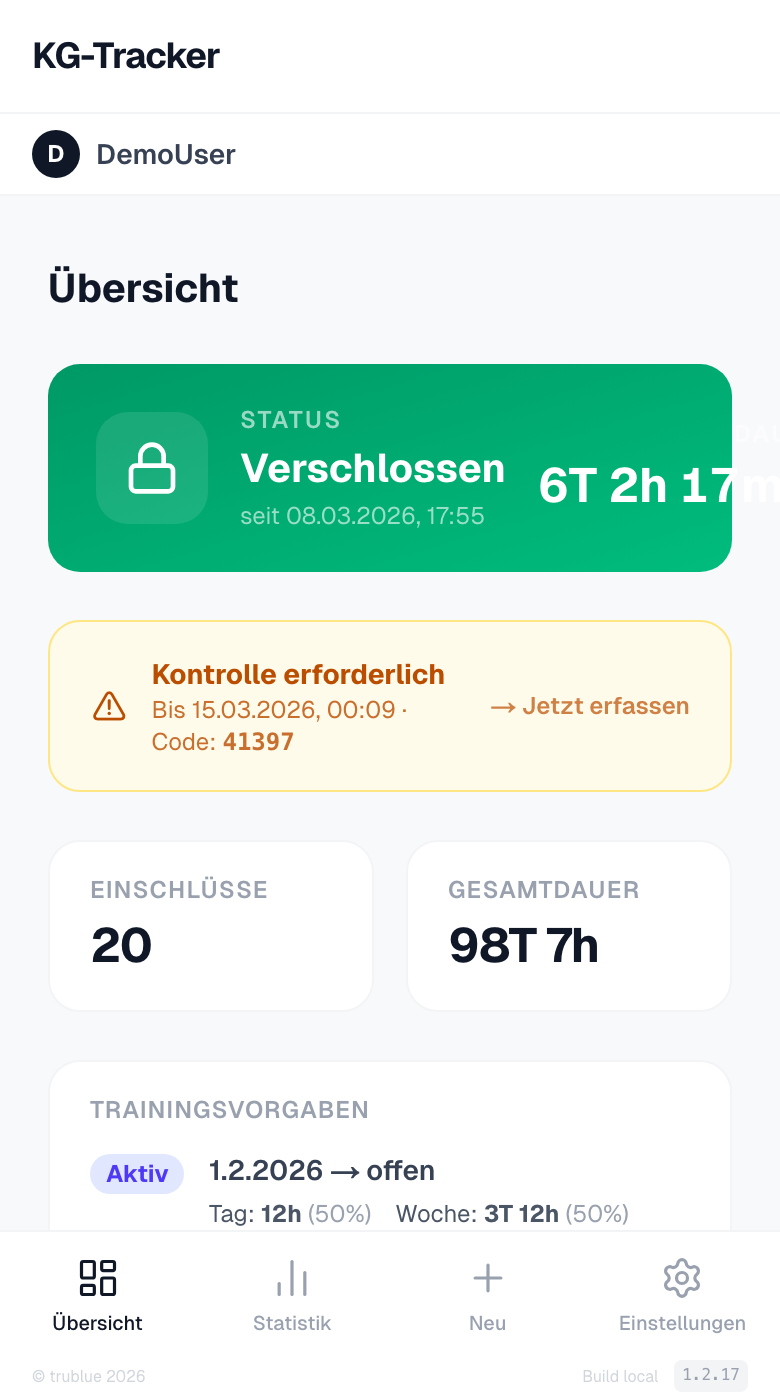
Dashboard Overview
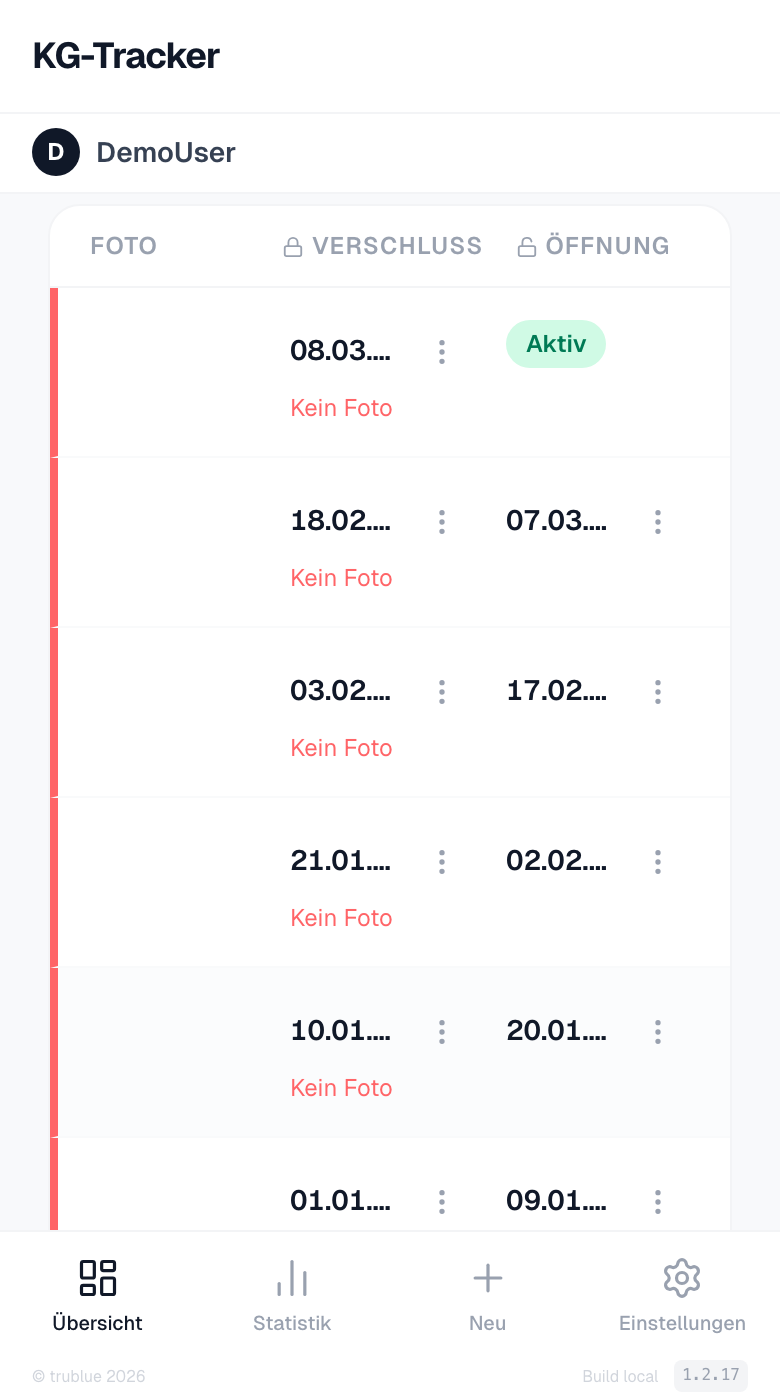
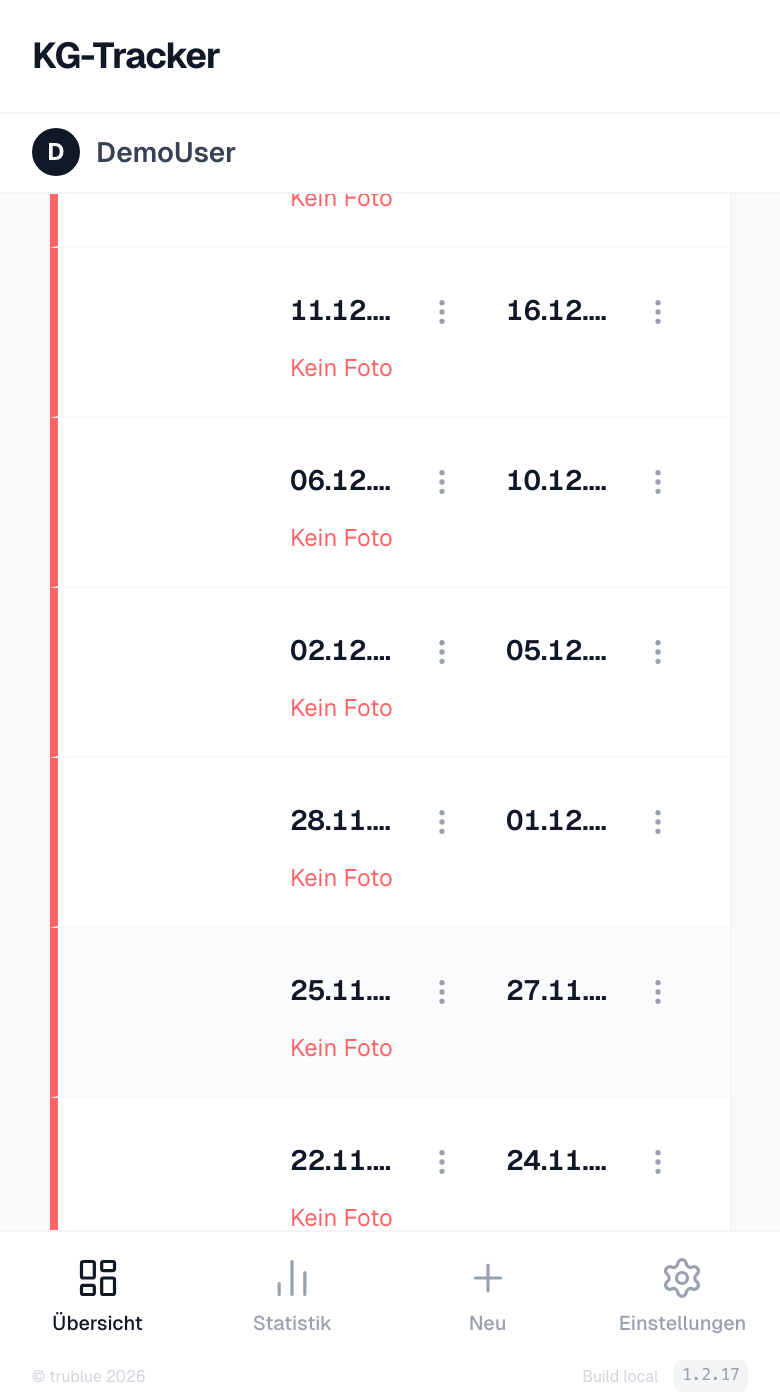
The real-time status shows whether the belt is currently locked and how long the current session has been running. Below is a chronological list of all lock periods with timestamps and photos.
- Real-time status: Locked / Opened with live time display
- All lock pairs with timestamp and photo in chronological list
- Open checks are highlighted as a prominent banner
Record Entries
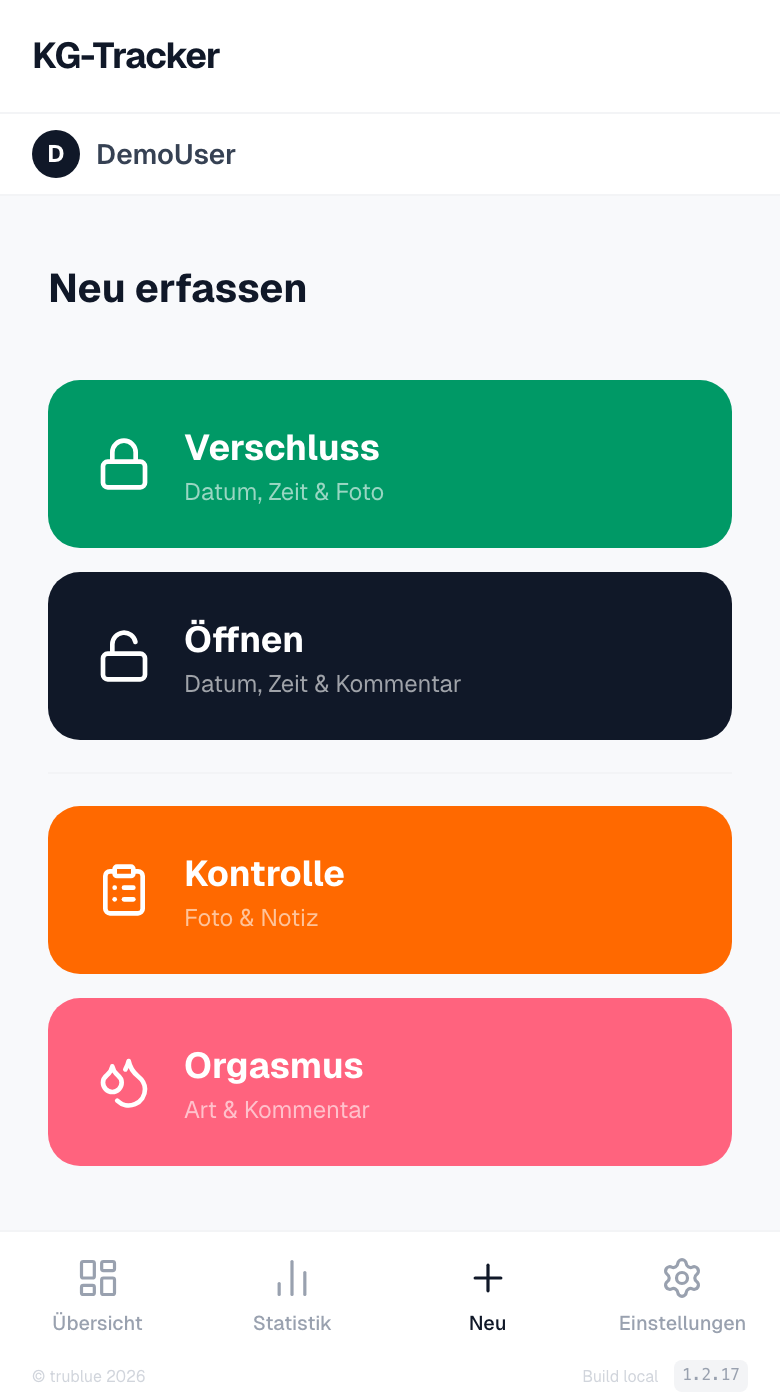
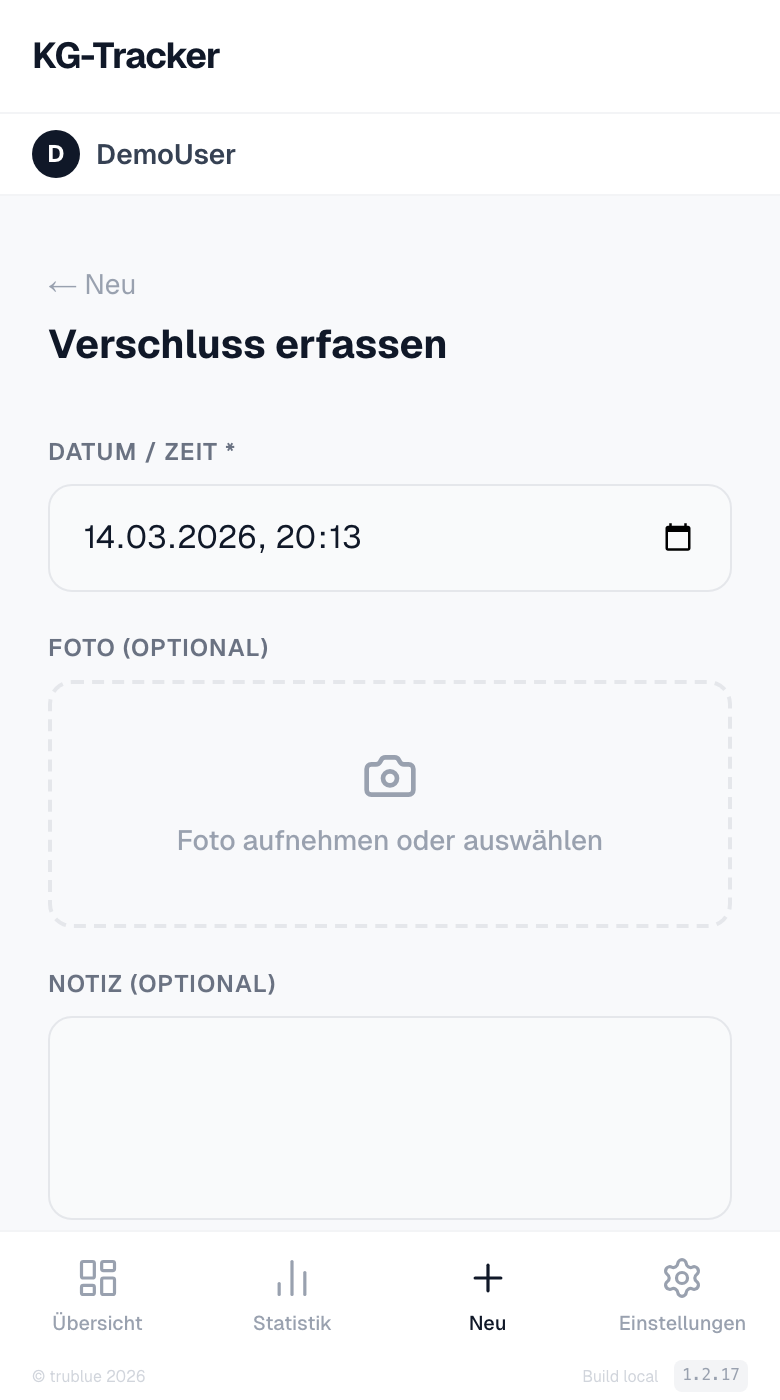
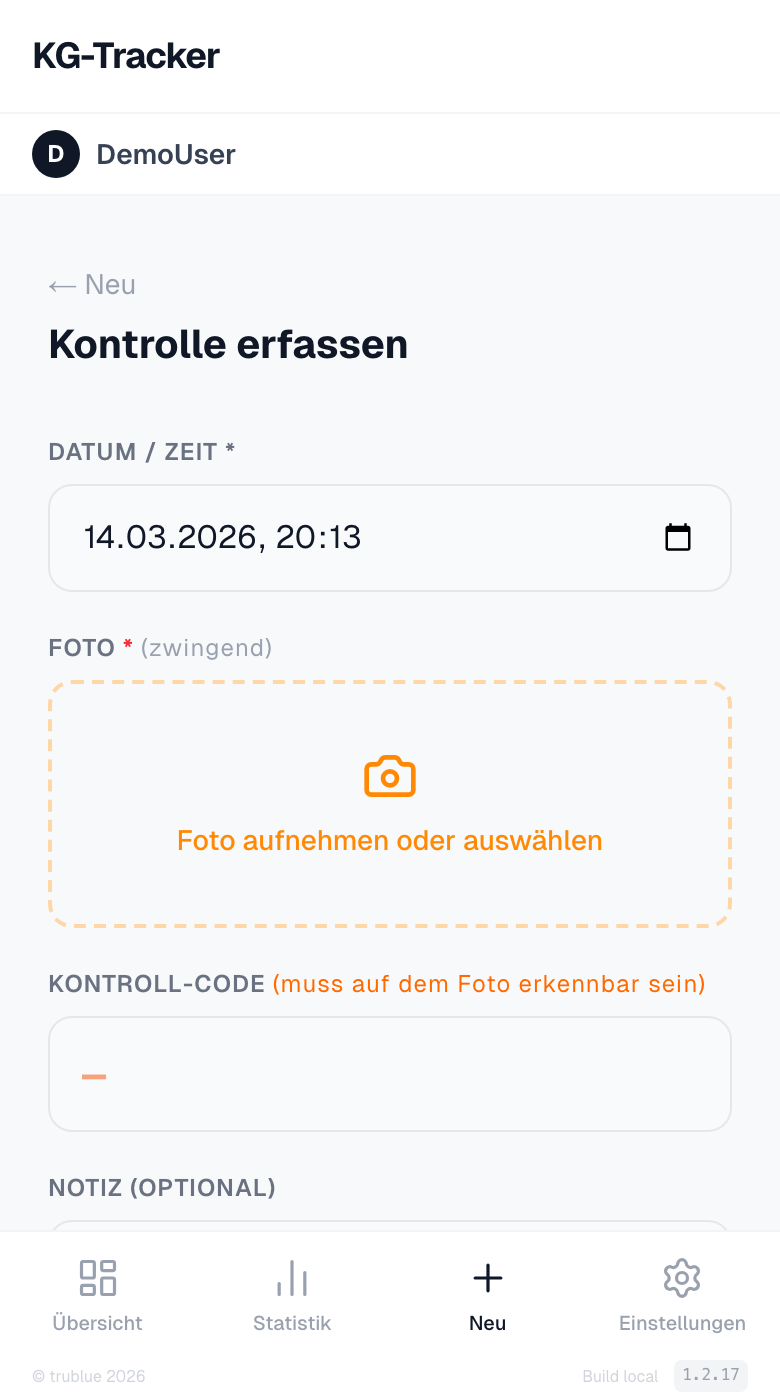
Four entry types via quick selection: lock with photo, opening, check with code recognition, and orgasm with type.
- Lock: Date, time, and mandatory photo
- Opening: Only possible with an active lock, with optional note
- Check: Photo with handwritten code, AI-assisted verification
- Orgasm: Type (dropdown) and optional note
Statistics & Calendar
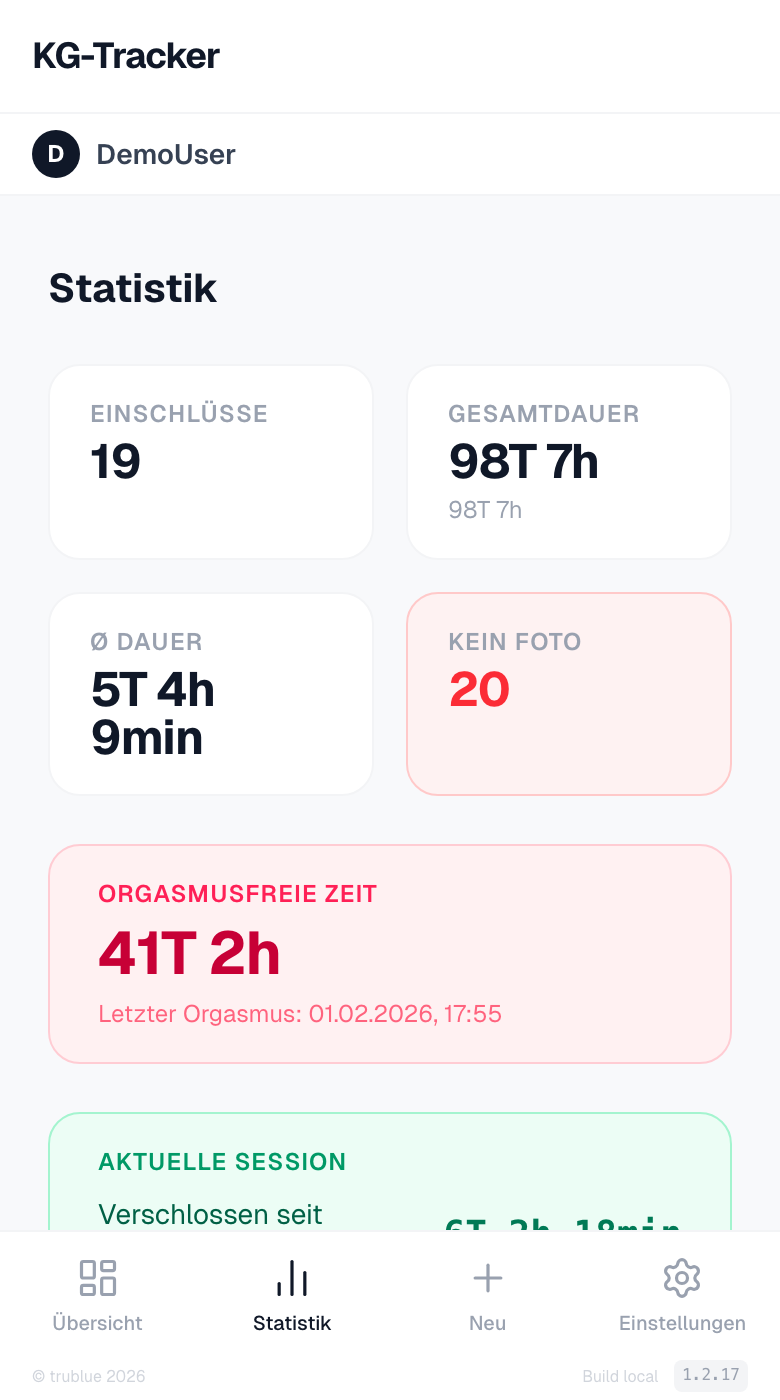
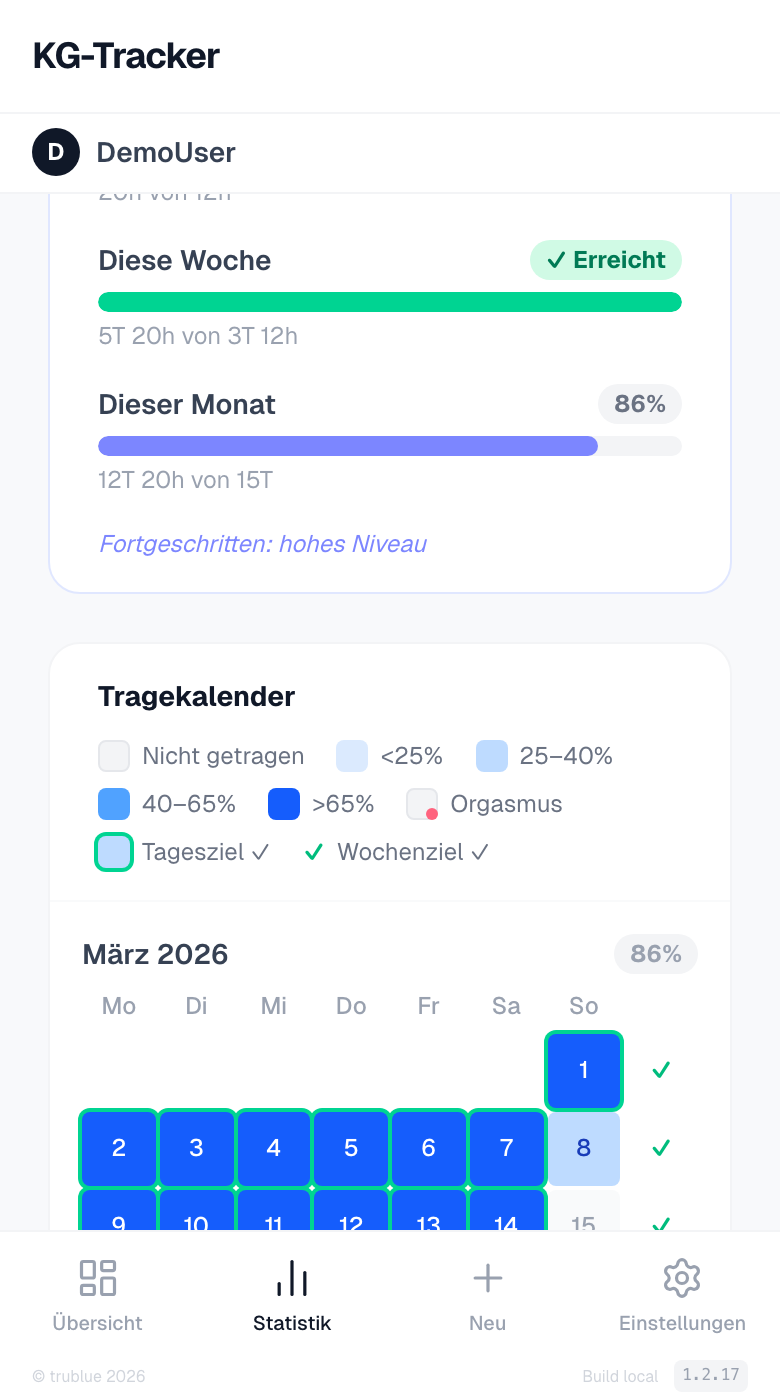
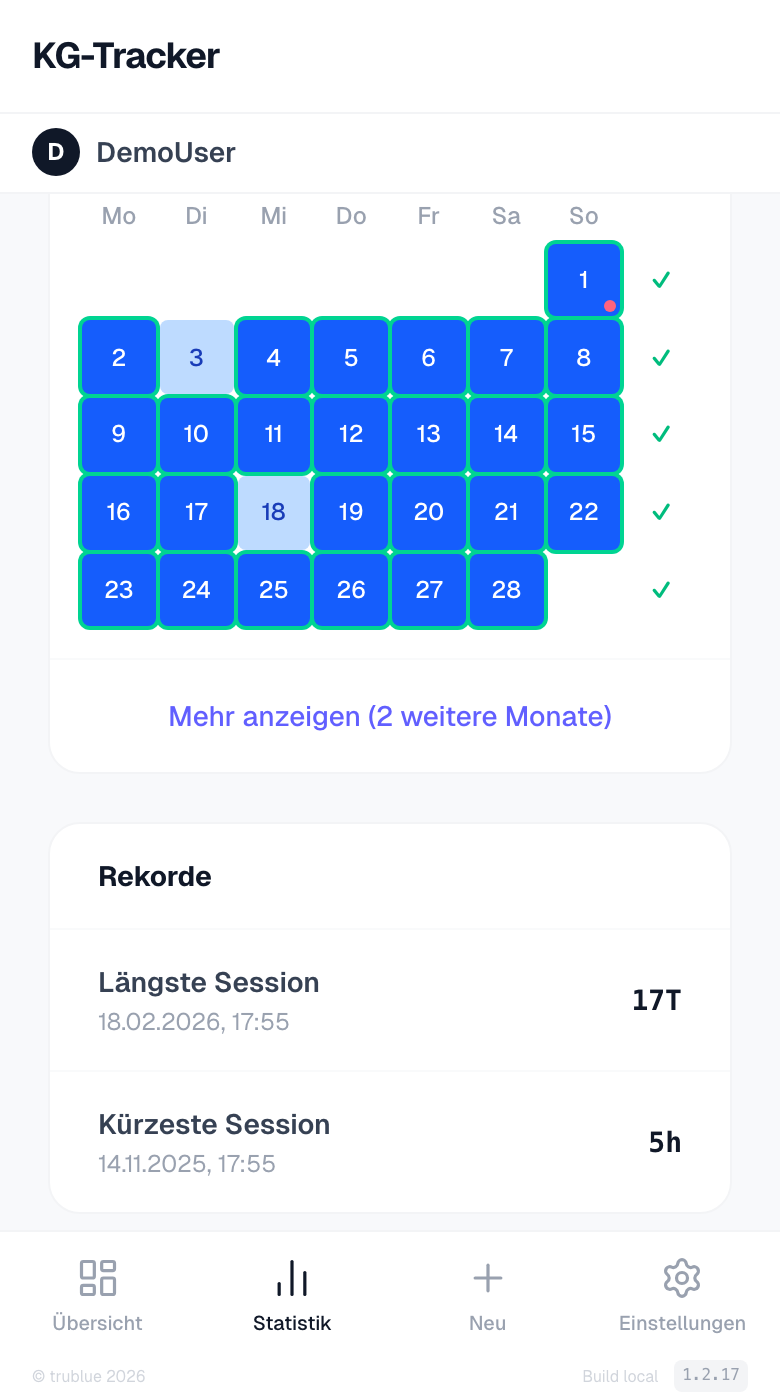
Detailed analytics: training goal progress, color-coded wear calendar over 4 months, monthly overviews, and personal records.
- Training goals for day, week and month with progress bars
- Color-coded wear calendar: daily wear share at a glance
- Records: Longest and shortest session
Checks
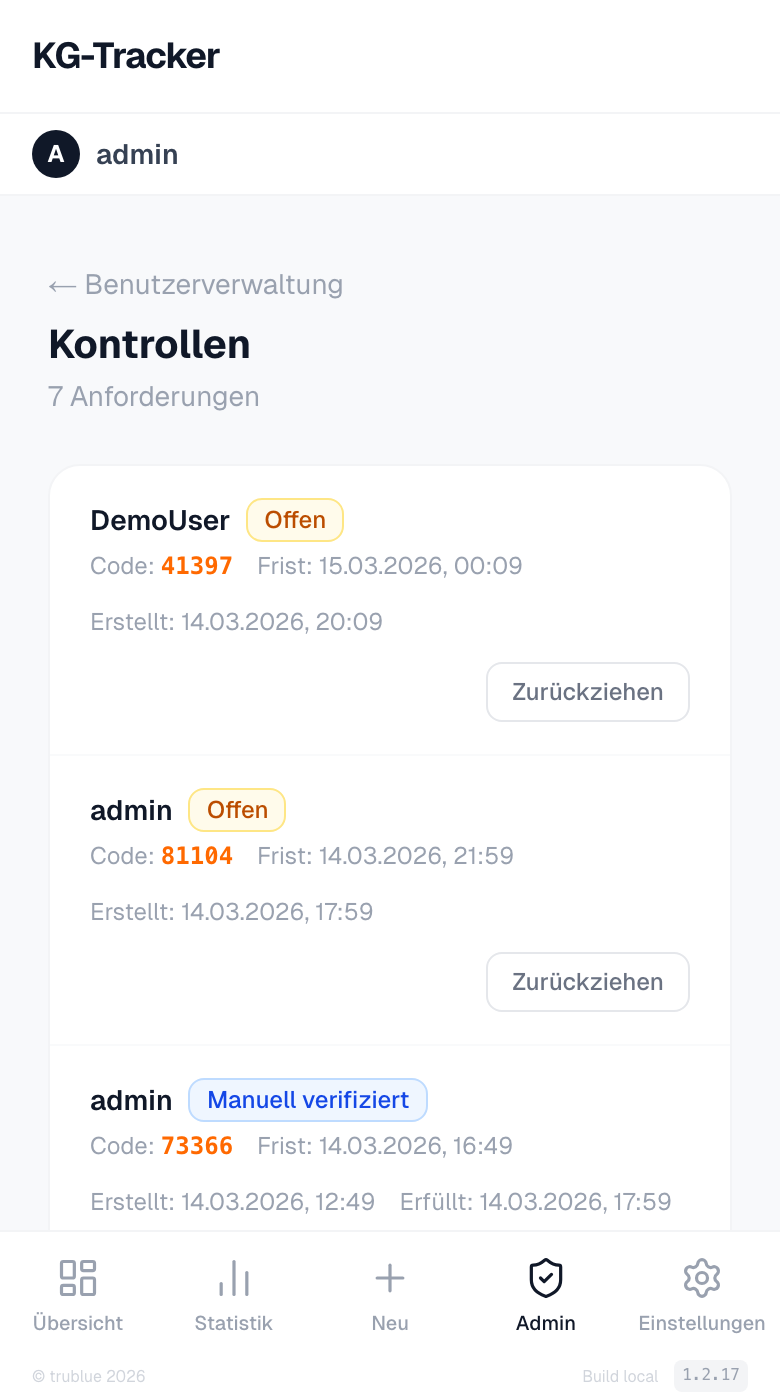
The admin can request a check at any time. The user receives a 5-digit code by email and must submit a photo with the handwritten code within 4 hours.
- Admin requests a check — user receives code by email (4h deadline)
- Photo with handwritten code is uploaded
- Automatic AI verification via Claude Vision — or manual approval by admin
Admin Area
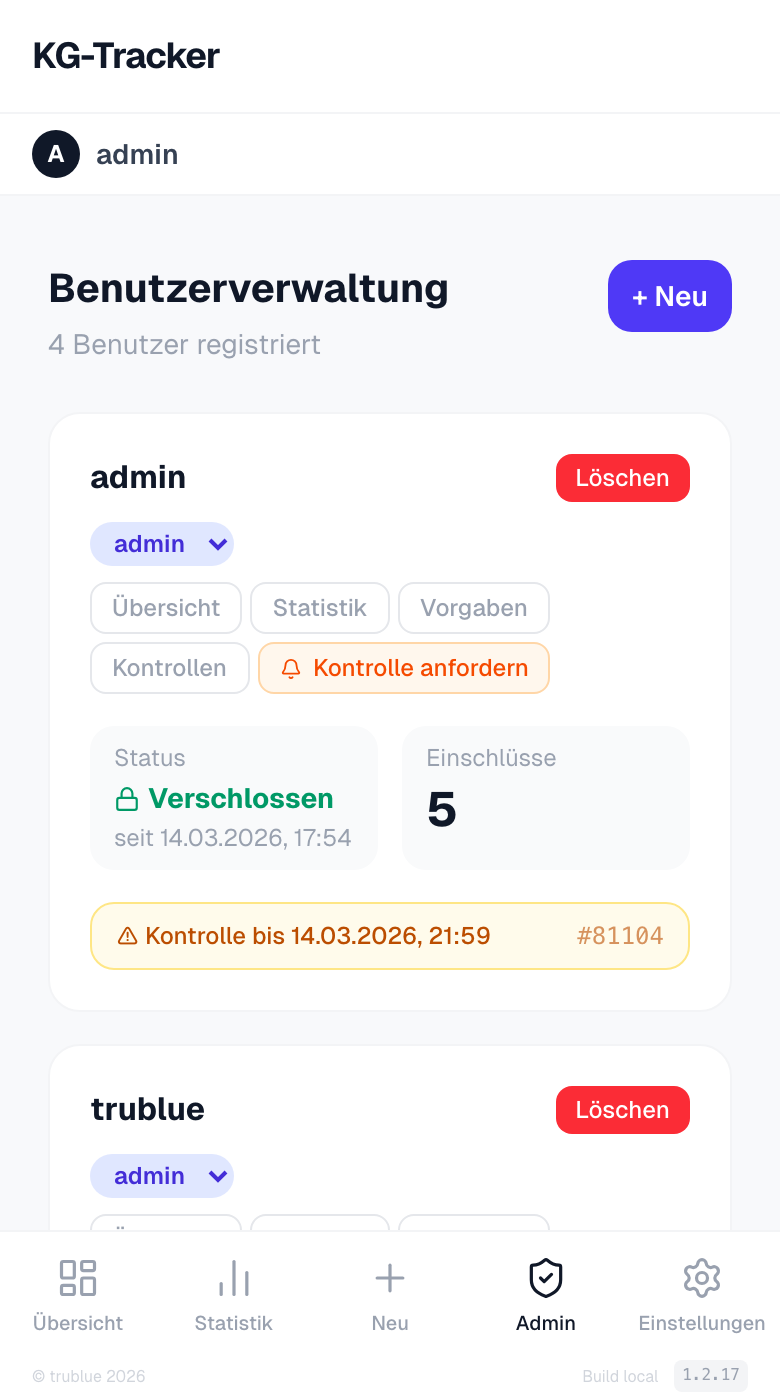
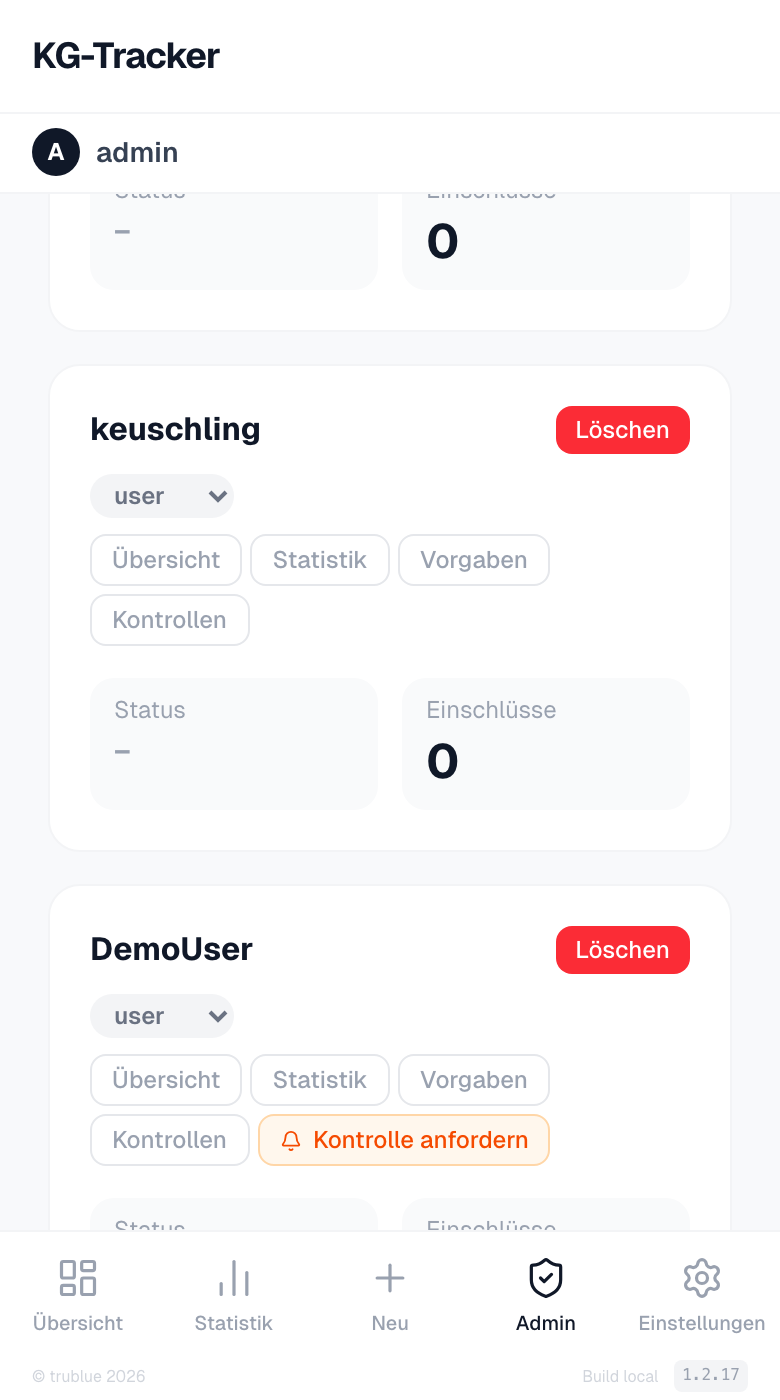
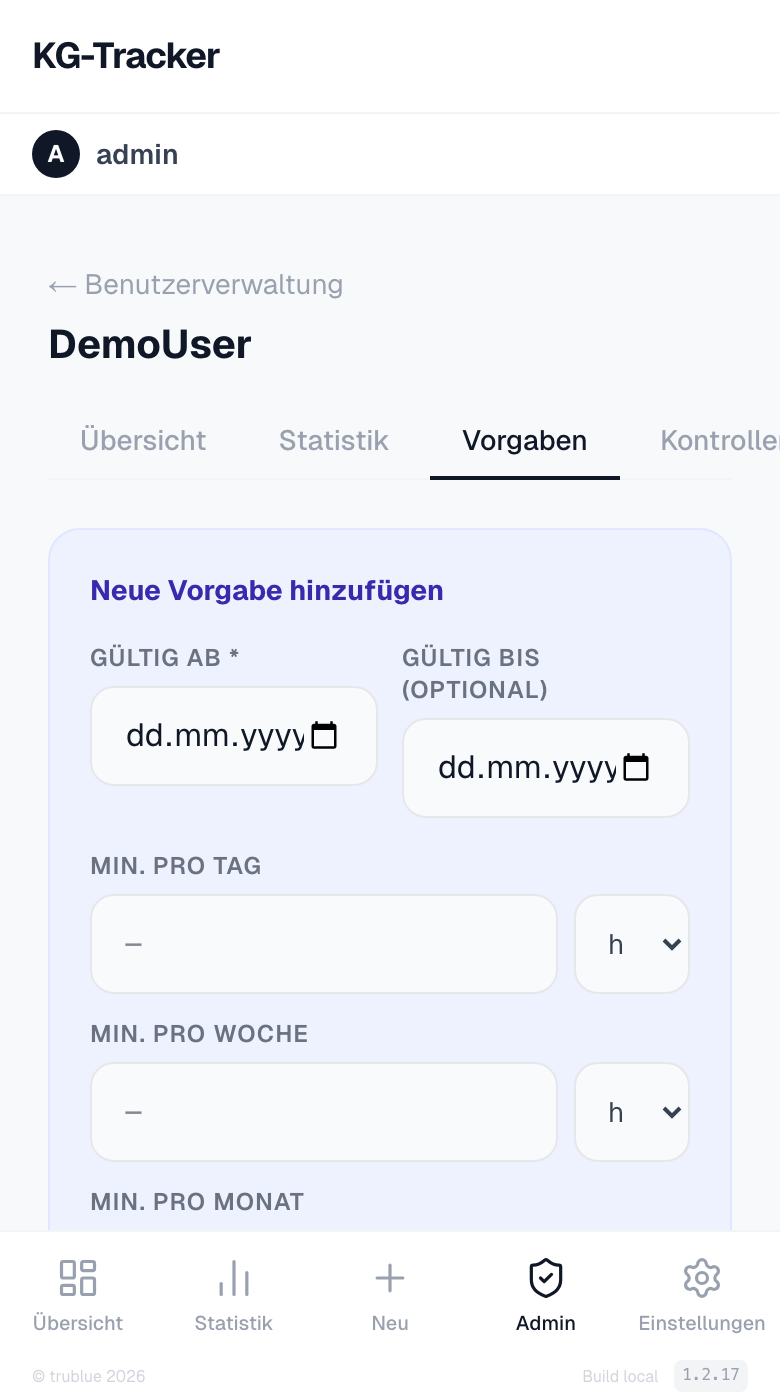
Admins manage all users, request checks, and define training targets. A central overview shows the status of all users at a glance.
- User overview: status, lock count, and open checks for all users
- Checks dashboard: all requests with status, code, and photo verification
- Training targets: define minimum wear times per day, week, and month
Log in now
Sign in with your credentials to continue.